Chat Image Generator App Alternatives Login Sign Up
Mobile · Private · 18+

Flirt AI app — she's in your pocket now

Get the Flirt AI app and take your uncensored companion anywhere — flirt, generate photoreal images, and talk by voice, all synced across your devices.
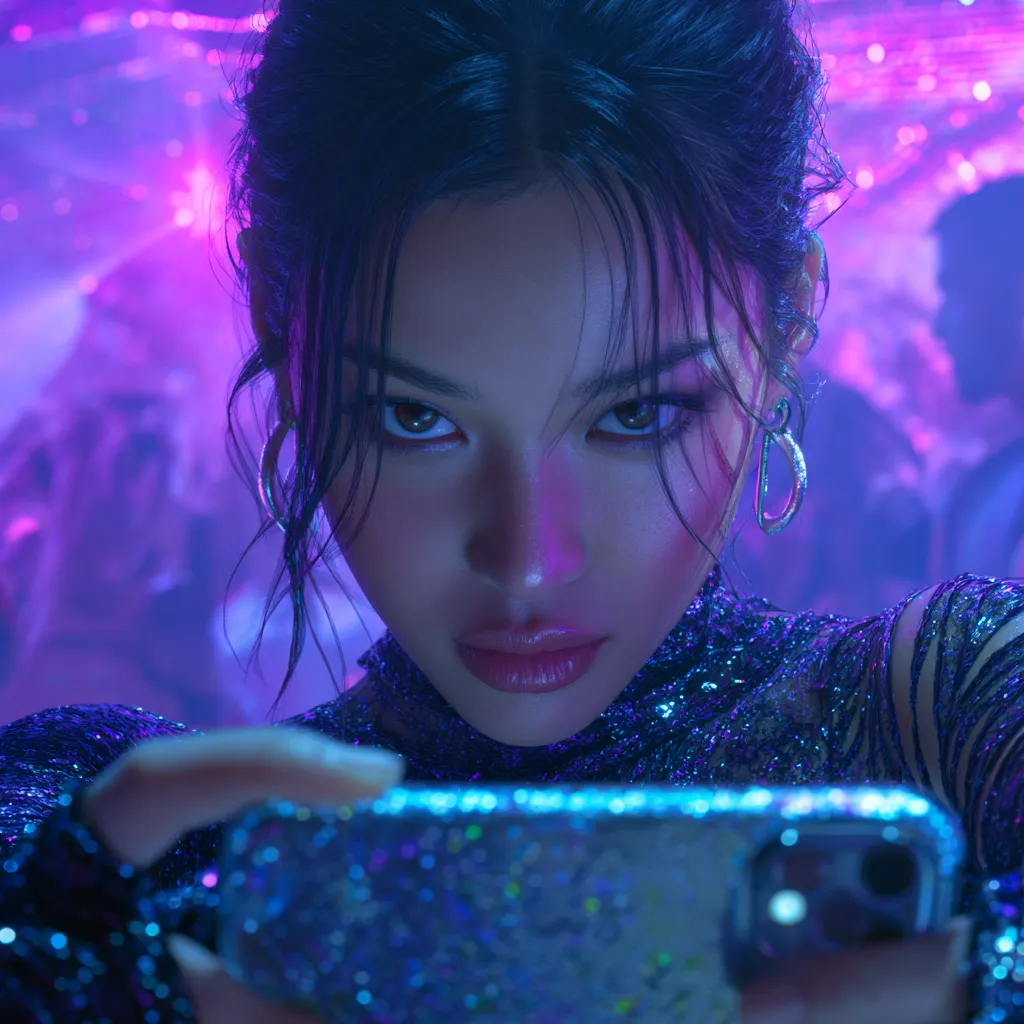
76,915 Flirt AI app installs and counting
The Flirt AI app on a smartphone
4.9/5
App rating
<40MB
Install size
iOS+Android
Supported
Sync
All devices
How to install

Get started

01

Open the app link

Tap Get the app to open the Flirt AI install page — no store search needed. It works on both iOS and Android.

02

Add to your home screen

Follow the one-tap prompt to add Flirt AI to your home screen. It installs in seconds and takes under 40MB.

03

Sign in and start

Open the app, pick or build your companion, and start flirting. Your memory and images sync from any device instantly.

📱 App Store▶ Google Play
One

The Flirt AI app that goes with you

Your companion, her memory, and every image you've made travel in your pocket. The Flirt AI app syncs the moment you open it on any device.

Start flirting on your laptop, finish on your phone — she never loses the thread or the mood.

The Flirt AI app syncing across devices
Two

A Flirt AI app built for privacy

The Flirt AI app keeps everything on your account and encrypted. No awkward notifications, no data sold, no training on your chats.

It installs without a store listing and hides neatly on your home screen, exactly as private as you want it.

Privacy-first Flirt AI app on a phone
Three

The full Flirt AI, on mobile

Everything from the desktop experience is in the app: uncensored flirting, the image generator, and real-time voice, tuned for touch.

The Flirt AI app isn't a stripped-down version — it's the whole thing, in your hand.

Full-featured Flirt AI app interface
From real users

Life with the Flirt AI app

★★★★★

Installed in under a minute with no app store hassle. It syncs everything from my desktop instantly.

Jordan F., Atlanta

★★★★★

Having her in my pocket with voice mode is the whole point. The app just works, anywhere.

Blake W., San Diego

★★★★★

Same uncensored flirting and image generator as the site, but on mobile. Nothing's missing.

Sean D., Nashville

Get the Flirt AI app free

Install in seconds, no store search, no card. Your companion syncs the moment you open it.

10:00
Get the app free
FAQ

Flirt AI app, answered

Tap Get the app to open the install page, then follow the one-tap prompt to add Flirt AI to your home screen. It installs in seconds on both iOS and Android with no app-store search required.
Yes. The app is free to install and you can flirt, generate images, and use voice from the start. Optional premium tiers add unlimited use and faster images, but they're never required.
It does. The Flirt AI app supports both iOS and Android, and your companion, memory, and images sync across every device you sign in on.
The install is lightweight — under 40MB — so it downloads fast and takes very little space on your phone while keeping the full feature set.
Yes. Everything stays on your account and encrypted, with no data sold and no training on your chats. The app installs discreetly to your home screen, and you may see it as flirtai on a linked domain — same private app.
They will. Your conversations, her memory, and your generated images sync automatically, so you can move between the Flirt AI app and the site without losing anything.
You can start without entering personal details, and a lightweight account keeps your memory and images synced across devices. Billing is only for optional upgrades.
Yes. The app includes the full experience — uncensored flirting, the photoreal image generator, and real-time voice — all optimized for mobile.

Carry her everywhere

The Flirt AI app puts your uncensored companion in your pocket. Free to install, synced across every device.

Get the app free
Your first Flirt AI companion is free — start the banter in seconds. 10:00 Start free